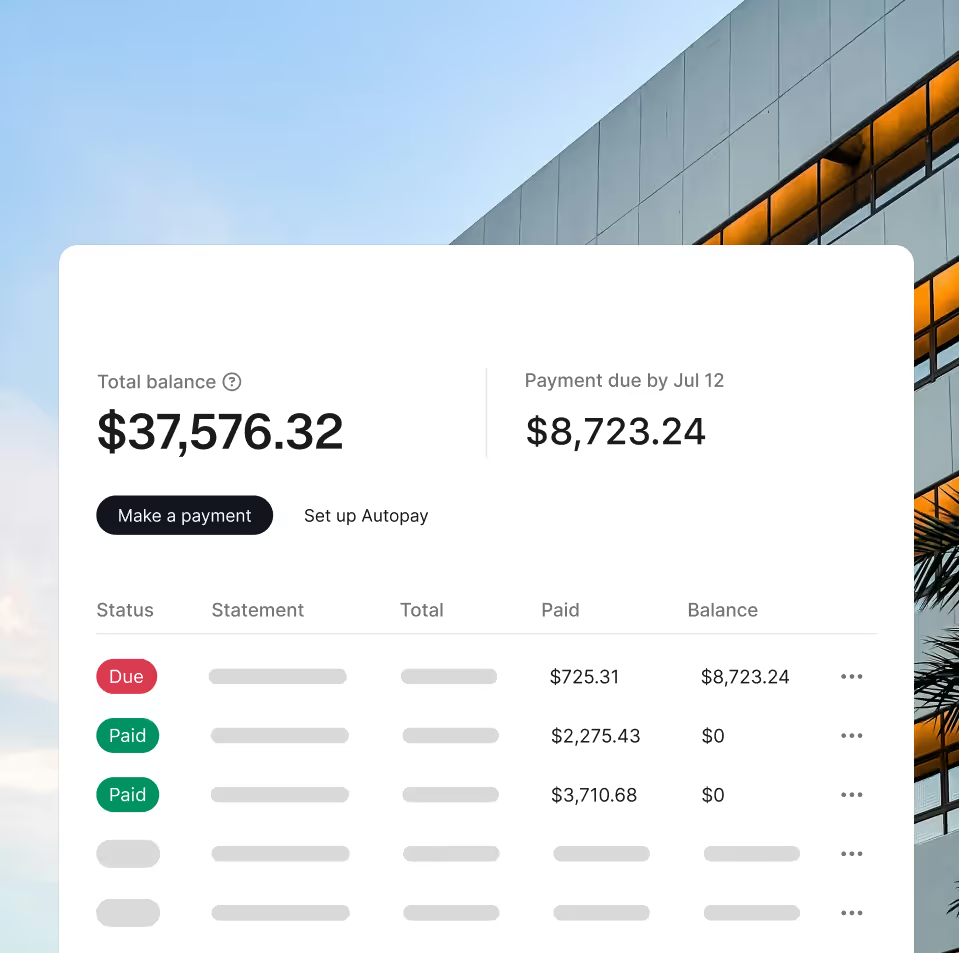
Dashboards + Reporting

The single source of truth for travel spend

Our platform is engineered to give finance and operations leaders total command over travel data, with travel reporting tools that move you beyond spreadsheets and into real-time visibility for every dollar spent.

Turn every trip into clean, actionable data
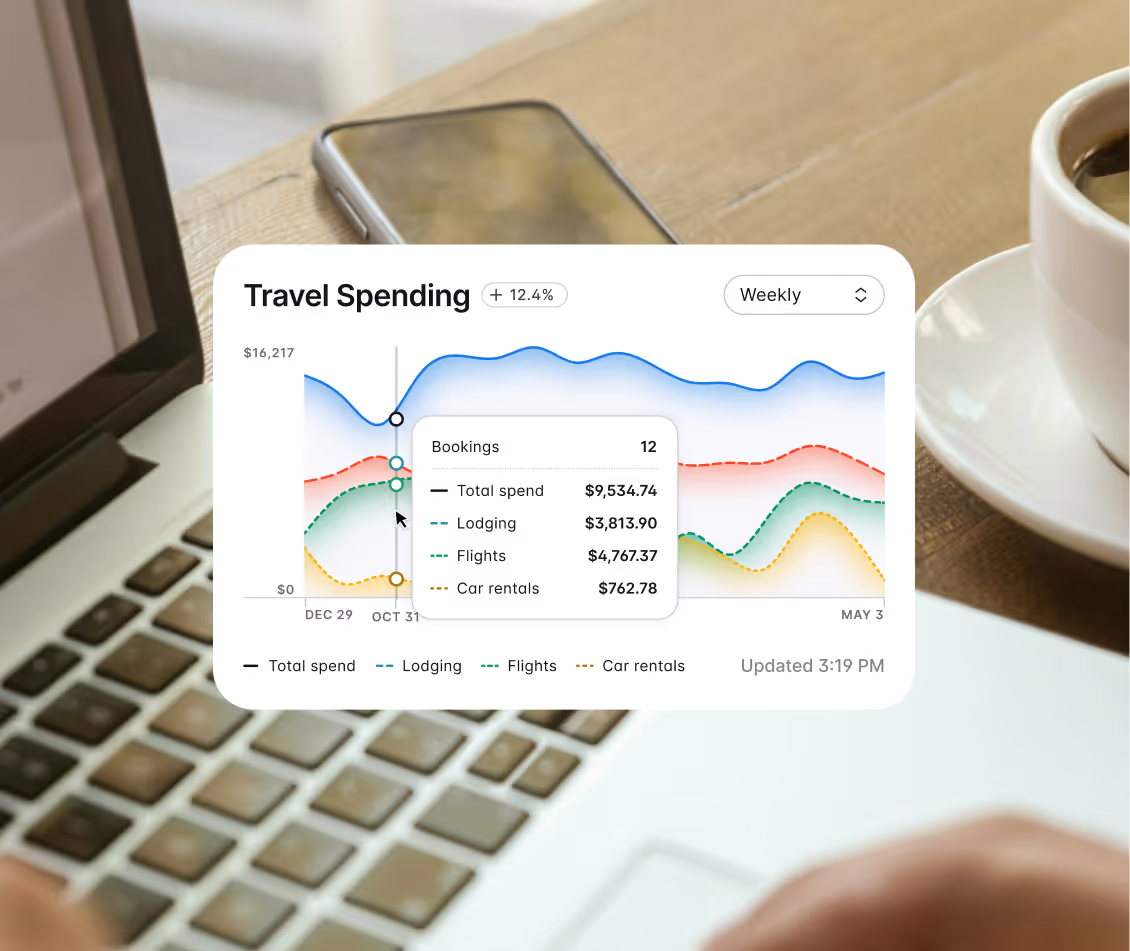
Travel spendings report chart

Audit-ready data

Every booking is tracked, tagged, and ready for review—fuel for corporate travel reporting your finance team can trust. See average nightly rates, traveler spend, and savings attribution, all presented in a clear, customizable format.
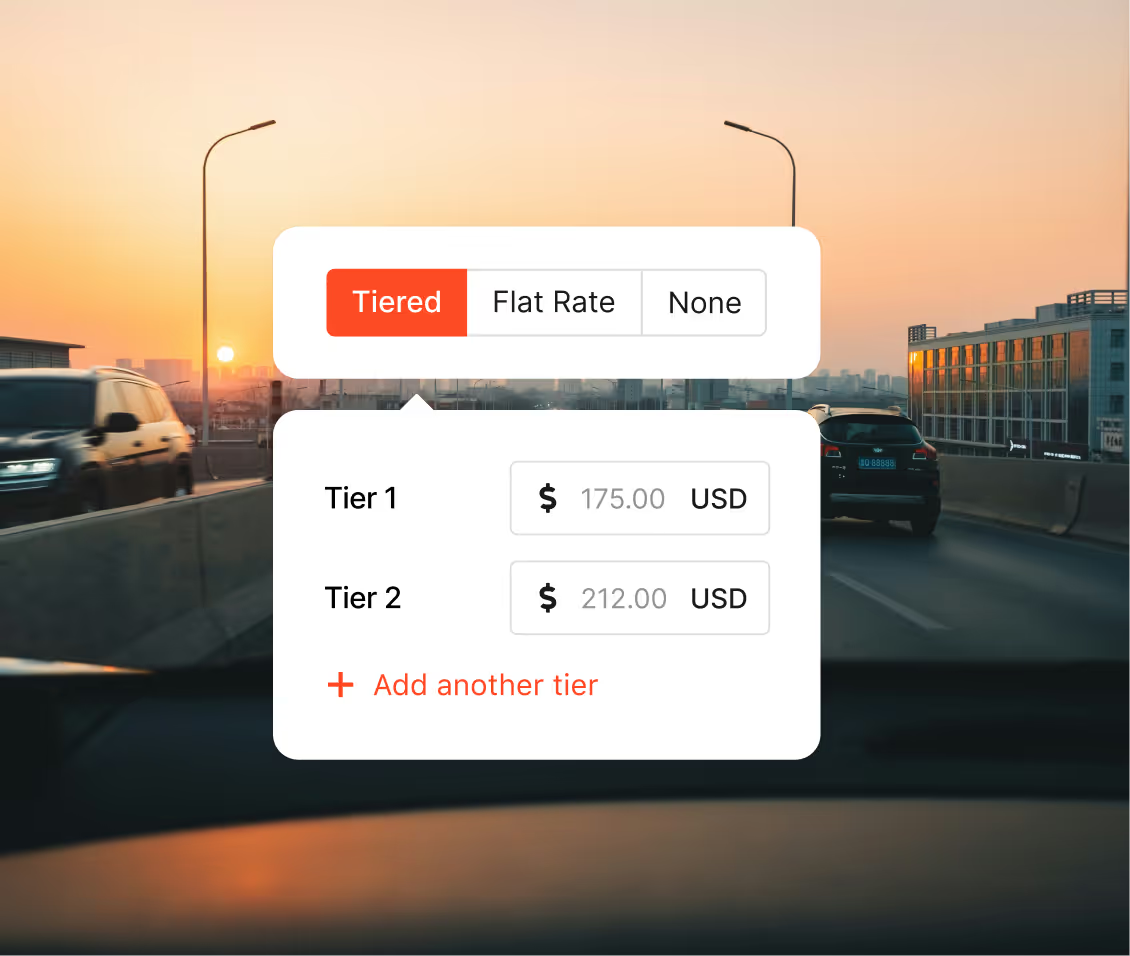
Setting travel policies - Engine app components layered on top of an image of a road

Compliance enforcement

Instantly see which teams are booking and how their spend aligns with your corporate policies and per diem guidelines.
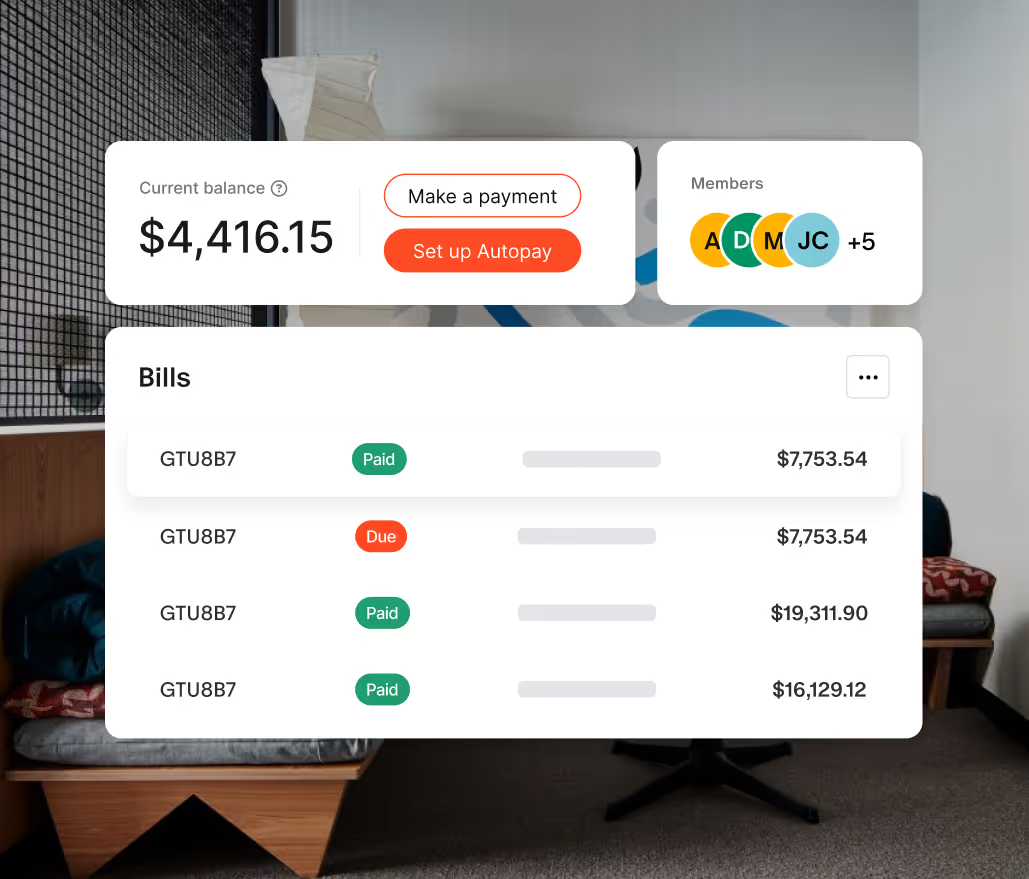
Cost center alignment

Use custom fields to align your travel data with your existing GL codes, project IDs, and cost centers. Your data is ready for reconciliation and budgeting, not more manual processing.

Prove every dollar saved and simplify reconciliation
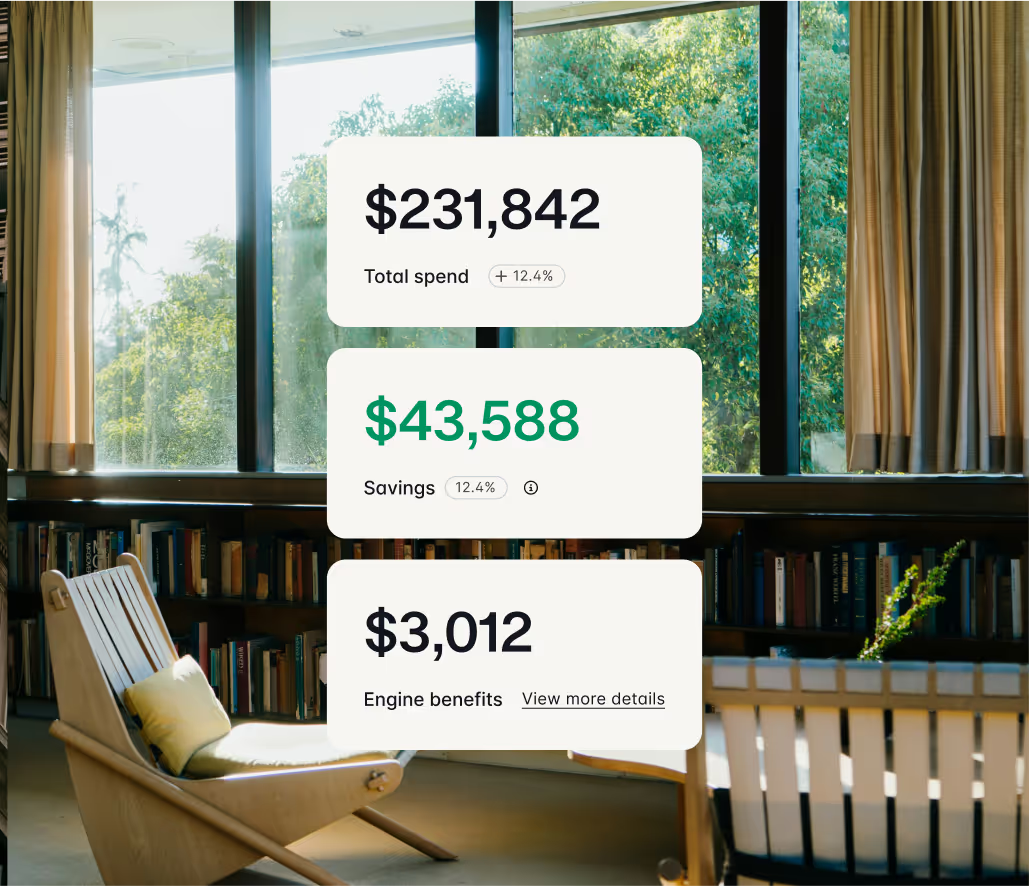
A set of reports layered over a hotel image

Quantifiable savings

Clearly attribute and prove your quarterly savings from our negotiated rates, Flex coverage, and earned credits.
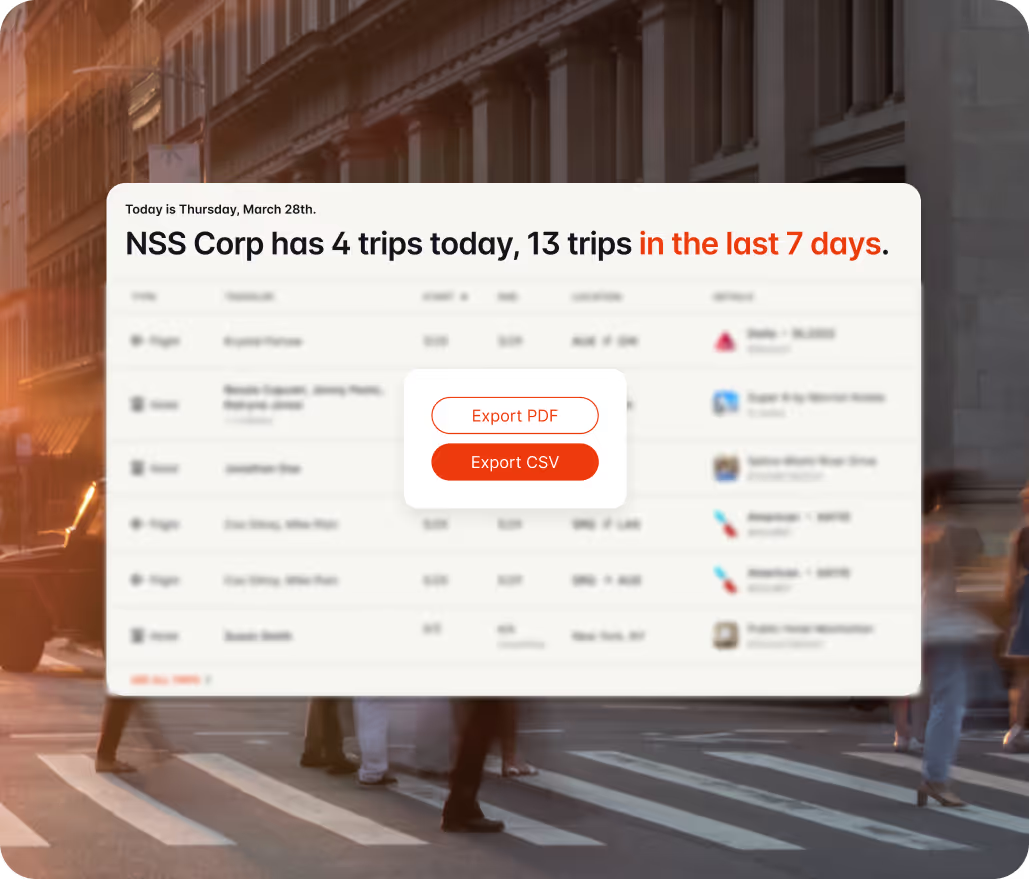
Trips overview page in the front and a sunset in the background

Data export for rigor

Easily download audit-ready reports to CSV or PDF for quick integration into your accounting systems.

Why SuperHero Fire Protection switched to Engine from Corpay

"Our AP personnel are loving it. They can apply charges to the job cost where it belongs without having to look anything else up."

Stop tracking costs. Start controlling them.

Create your free account in 60 seconds and gain instant access to exclusive rates and audit-ready data today.

Frequently asked questions

Your Trends dashboard provides a single, high-level summary of your company's lodging spend, average nightly rate, and total bookings. Crucially, you also see your quantifiable cost avoidance, including savings from negotiated rates and Flex coverage credits. Need to slice the data? Easily export the full audit trail directly to a CSV.

Engine allows you to filter and segment your reports by booker, traveler, department, city, hotel, and more. You can easily adjust the date range and add filters for custom fields (like GL Code or Project ID) and travel policy adherence, ensuring the data you export is perfectly aligned with your internal reporting needs.

All admins have access to a dashboard widget that details increases or decreases in your trip's average nightly rate over time. This allows you to spot trends and better plan your corporate travel budget. If you need more detail, you can download your reports by choosing the "Send Reports" button in the upper right-hand corner.

The platform details increases or decreases in your average nightly rate over time, allowing you to proactively spot trends and better plan your corporate travel budget. You can then use Travel Policies to enforce rules by department or individual traveler—controlling access to Direct Bill, setting refundable-only rooms, or managing incidental coverage. This allows you to force compliance rather than simply advising it.

The best travel reporting tools give you real-time visibility into spend, bookings, and traveler activity without manual exports. Engine's reporting tools are built into the platform at no extra cost, with downloadable exports and breakdowns by department, cost center, project, or traveler. Unlike many TMC tools that gate reporting behind per-seat fees, Engine includes reporting for every user.

With many corporate travel platforms, advanced reporting sits behind a premium tier or per-user fee. Engine includes full reporting access with every account — no add-on required. You get the same dashboards, exports, and audit trails whether you book one trip a month or one a day.

Business travel reporting works best when booking and payment data live in the same system. Engine consolidates every hotel booking, traveler, and charge into one dashboard so finance can see spend by department, project, or cost center in real time — no spreadsheet reconciliation required.

Effective business travel reporting covers four things: total spend by period, spend by department or cost center, traveler-level activity, and policy compliance. Engine's dashboards surface all four out of the box and let you export reports in downloadable formats for finance, AP, or annual reviews.

A corporate travel dashboard is a single view of your company's travel activity: who's booking, where they're going, what it costs, and how it ladders up to budget. Engine's travel dashboard updates in real time as bookings happen, so you're never reconciling stale data at month-end.

Yes. Engine's travel dashboard lets you filter and segment by traveler, department, cost center, project, or custom field (like GL code or project ID), then export those views for finance or ops review. Useful for construction crews assigning costs to job sites, finance teams closing the books, or operations leaders reviewing policy adherence.